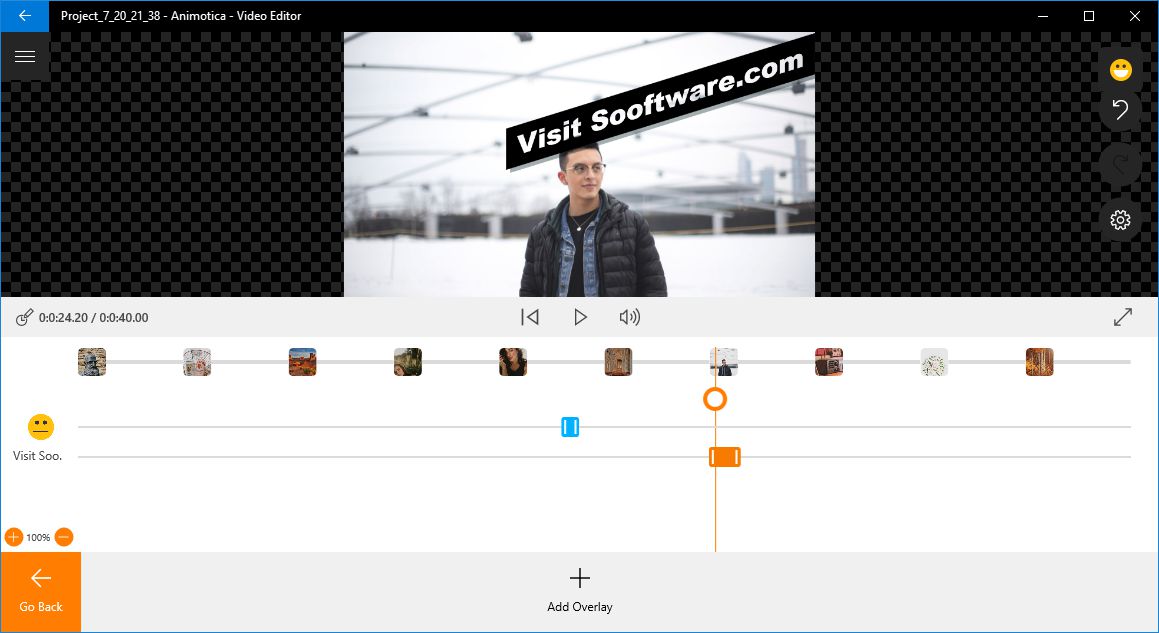
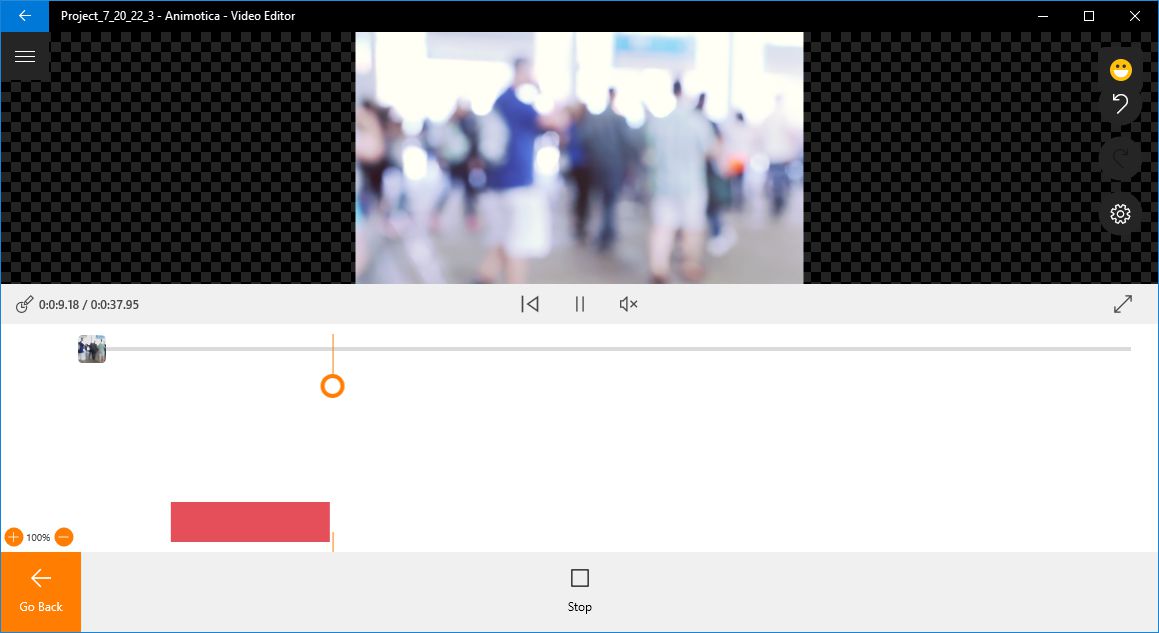
Animotica is a simple, easy-to-use video editor available for modern Windows versions. It's available on the Microsoft Store as a freemium app, meaning you can download it for free, though you will need to purchase a license to remove watermarks or unlock the full feature set. Animotica enables users to create videos from shorter clips and images which can be blended together. It supports various effects, adding text, and background music or recordings.
Lightweight and accessible design
It looks quite modern and brings a native Windows app vibe with smooth buttons and a simplistic design. Its download size is pretty light for a video editor and a movie maker! Animotica is not a professional video editor and can be better described as a simple tool for casual users who want to retouch their videos or create them from scratch to post on social media or use in a presentation. Still, it does offer plenty of features which can be easily implemented.Starting a new project
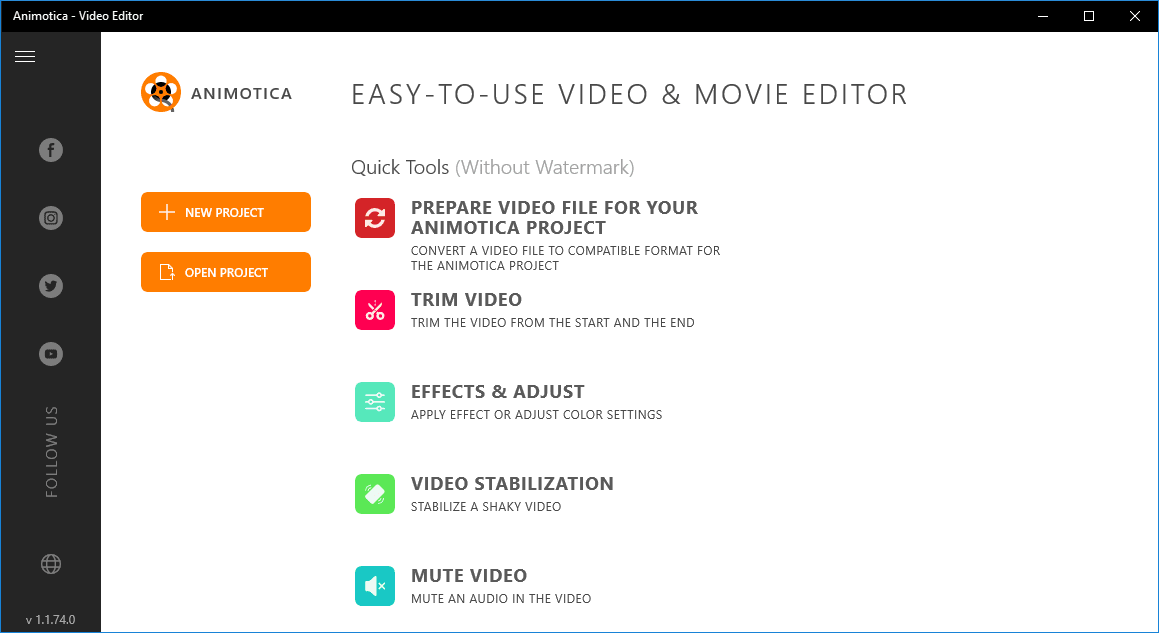
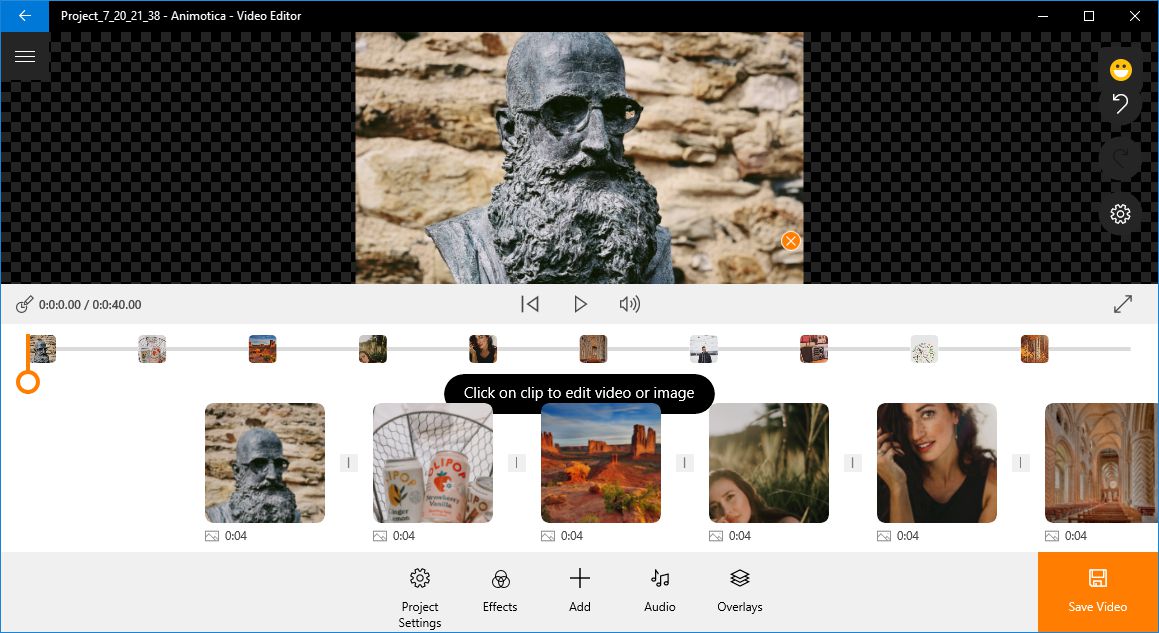
After opening Animotica, users can choose a quick tool to retouch a video such as trimming it or removing any audio. Besides that, they can create a new project or open an existing one. Creating a project involves either editing an existing video or building one from scratch using existing clips and photos.Essential editing and motion effects
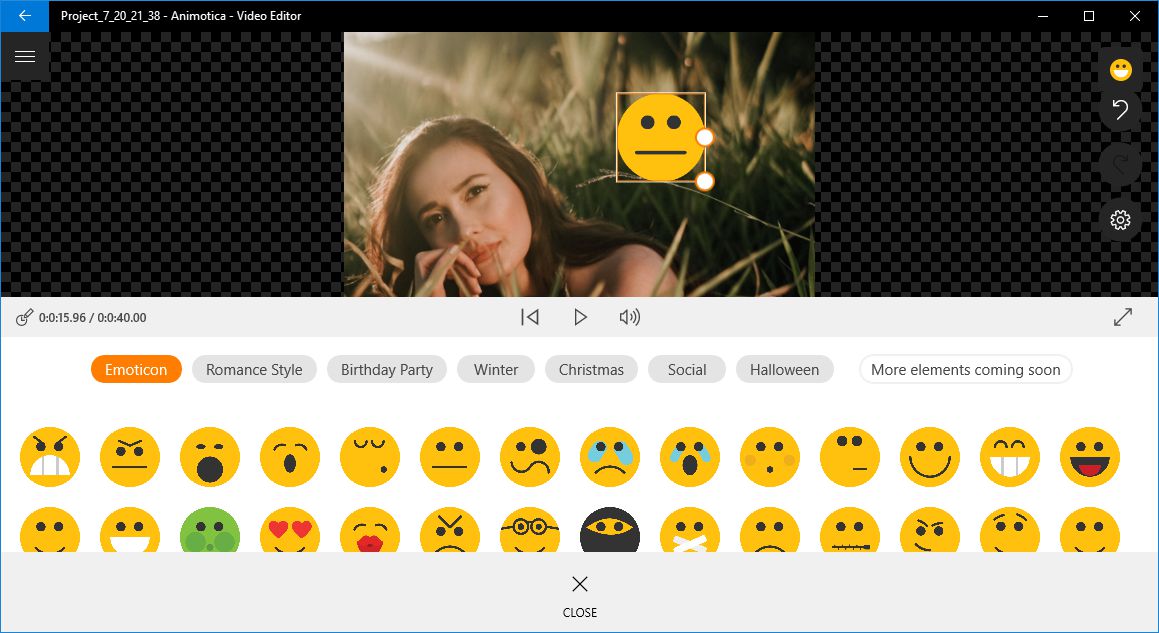
Everything added to the project can be selected and tweaked in many different ways. First of all, it's very easy to split the video, slow down certain parts, or even tilt it if you weren't holding your recording device perfectly horizontal or vertical. Motion effects like the Ken Burns effect can be used to make photos come alive. Videos can be trimmed to take out certain parts, and you can speed them up or slow them down for some cool effects. Overlays can be added on top of videos in the form of images, stickers, text, or other videos, which can be great for YouTube creators!Filters, color correction, and exports
There are special filters you can apply to both videos and photos, and they are similar to the ones on Instagram. Basic tweaks such as brightness, contrast, saturation, exposure, and hue are available, and they can also be applied to both photos and videos. When saving a video, you can choose between various output resolutions for different devices and platforms. You can pick the aspect ratio for Instagram, YouTube, and Stories. Output resolutions go as high as 2160p (with the Full Pro version).How it compares to the competition
Even though there are some big names in the video editing and movie creating industry such as Adobe Premiere Elements and CyberLink PowerDirector, comparing them to Animotica would be unfair as these tools are professional and come at a hefty price. Shotcut is a free and open-source alternative which, unlike Animotica, can be installed on Windows, Mac, and Linux. It's codec-independent, so you can simply move projects between operating systems. It also provides useful keyboard shortcuts, which would be a great addition to Animotica to speed up the process. There is another alternative available on the Microsoft Store named Story, but it's mostly focused on simply creating videos from clips and photos with background music, without emphasis on the actual editing part. Filmora Video Editor comes close to Animotica with its features and simplicity, but it requires purchasing a premium license.A capable tool for casual video editing
All things considered, Animotica is a great tool for its low cost, and it can provide everything a marketer or a social media video creator might need. However, other choices should be considered for professional needs, as Animotica is mostly focused on connecting various pieces of material into a fully functional, aesthetically pleasing whole. Users are generally satisfied with what Animotica has to offer, though there are rare complaints about crashing issues. It's also worth pointing out that everything you do is auto-saved.